-

-
musikbear Online
-
- Posts: 9439
- Joined: January 21st, 2010, 1:42 pm
- Location: Denmark
- Discord: musikBear
November 6th, 2021, 5:33 pm
MxtApps wrote: ↑November 6th, 2021, 12:11 pm
Hello,
Hi, Welcome to the Forum MxtApps !
Here are all important links:
http://lmms.io/forum/viewtopic.php?f=1&t=4740
-A few rules and useful forum instructions
If you like to introduce yourself, to the community, go here:
http://lmms.io/forum/viewtopic.php?f=4&t=4480
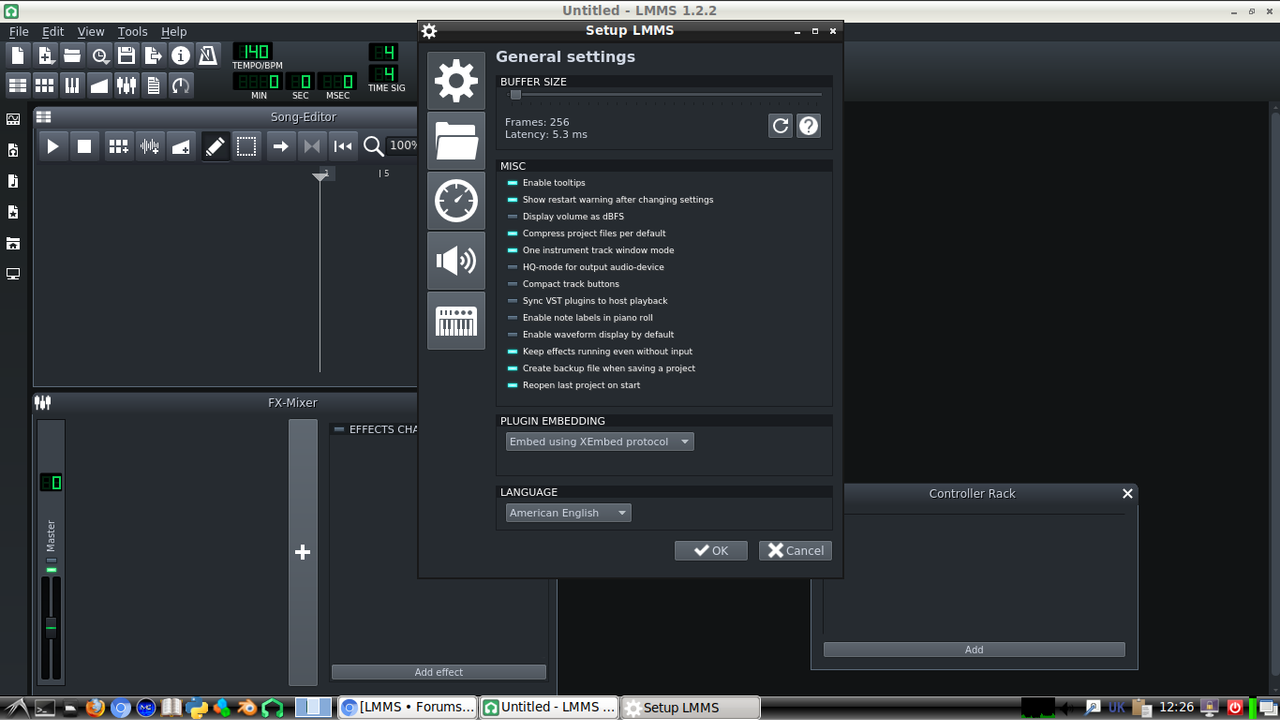
I am having troubles while using LMMS because I have a very big interface and some things. I am using Linux.
In Linux it is possible to set the UI size with a script:
as
root user create a file and name it
Place this file in
Open the file in editor and type :
Code: Select all
export QT_AUTO_SCREEN_SCALE_FACTOR=0
Where _FACTOR=0 should be experimented with until you get the UI-scale you like
OR
#!/bin/bash
export QT_AUTO_SCREEN_SCALE_FACTOR="0"
export QT_SCREEN_SCALE_FACTORS="eDP-1=2.5;HDMI-1=2.5;DP-0=2.5".<absolute path to lmms App image>
Then set
chmod +x <script name>
make a symlink in /bin/ to it
Note. You have to add all your connected monitors to QT_SCREEN_SCALE_FACTORS in order to make it work with all connected monitors.
OR
follow this guys recommendations explained here:
http://neoshamon.blogspot.dk/2015/06/ad ... ew=sidebar
Does any of these help you
Let us know the outcome :)