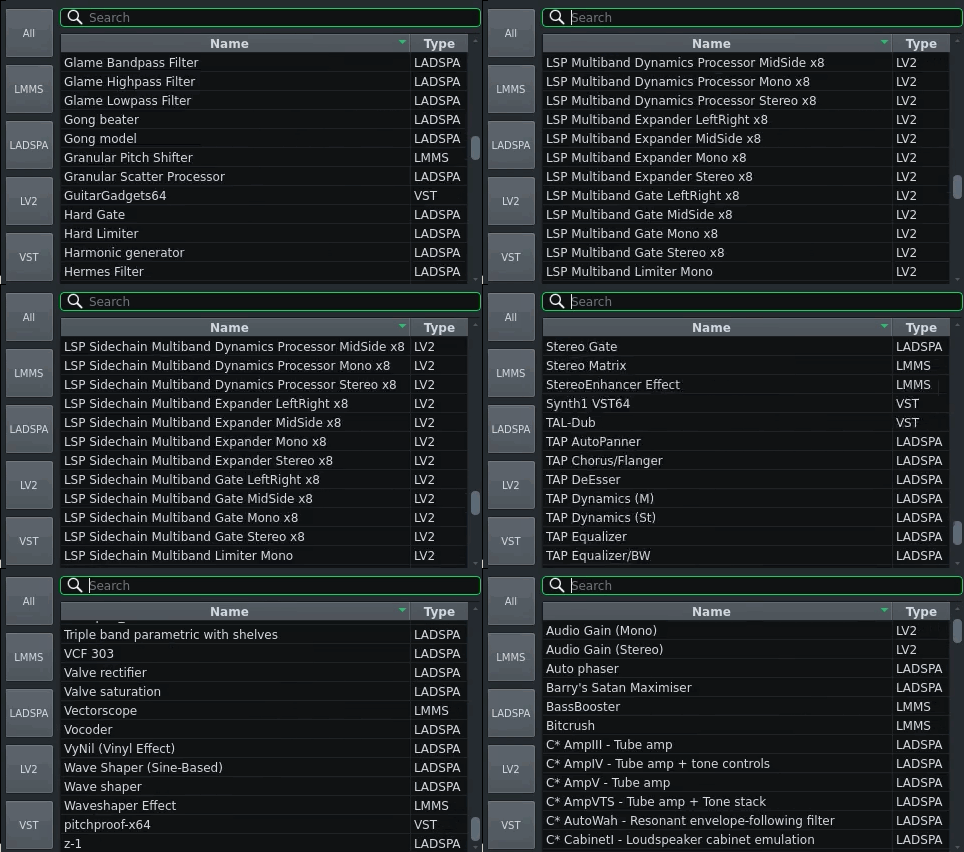
How to list "blocked" (failed) LV2 plugins?
Posted: September 4th, 2026, 8:03 pm
Starting LMMS from the terminal in Linux, I get the advice:
Code: Select all
Lv2 plugin SUMMARY: 220 of 287  loaded in 5845 msecs.
For details about not loaded plugins, please set
  environment variable "LMMS_LV2_DEBUG" to nonempty.
Blocked Lv2 Plugins: 16 of 287
  If you want to enable them (dangerous!), please set
  environment variable "LMMS_ENABLE_BLOCKED_PLUGINS" to nonempty.
However, when I set the variable using SET, and re-run the LMMS AppImage, nothing changes, and I get no additional info. Is there a log filed somewhere that I can read to find out which plugins were blocked or failed to scan?
Otherwise, I'd like to request that as a feature: (please store a list of blocked/failed LV2 plugins inside of a file inside of the LMMS prefs folder). For that matter, it'd be nice to get a list of blocked/failed LADSPA plugins also.
Any assistance on this topic is greatly appreciated.